—Start here
Make it yours in an hour.
Taller Cielo is a Framer template for small architecture practices. Five steps, then it is your studio.
See the style guide01Setup
Five steps.
In this order. Most studios are live the same afternoon.
- Name and fonts
Rename the studio in the header, menu and footer wordmark. Geist Serif, Geist and Geist Mono are free; swap them in Site Settings → Fonts if you prefer.
- One accent colour
Change the Rosa style to your own accent. It drives the mark, the header call to action, the menu and footer cards and the current page. Leave paper and ink alone.
- Your houses
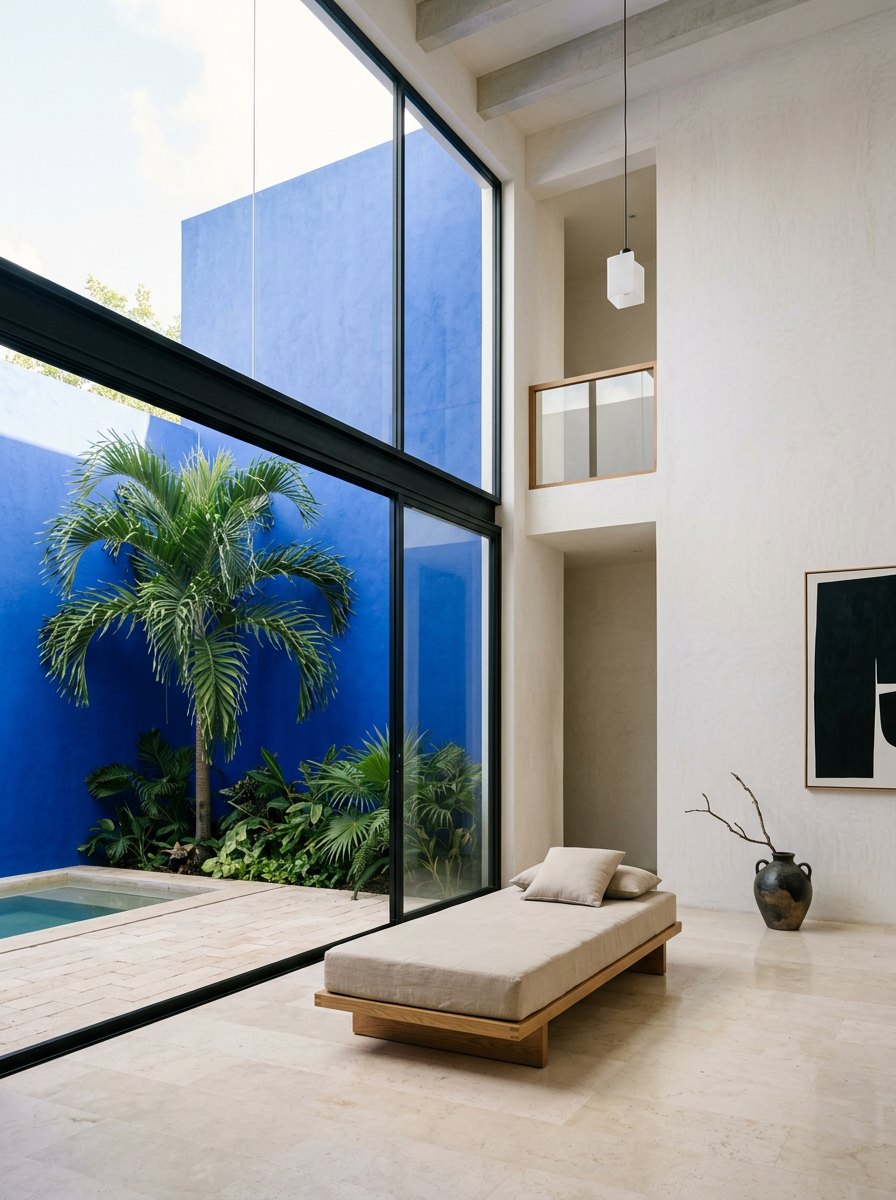
Each house is one CMS item: name, place, year, pigment, a wide photo, an interior photo for the shutters, and a sample photo. Six are included.
- The hero
Add up to three featured projects to the Hero component. Each needs one wide photo, a name and a place.
- Form and publish
Connect the brief form on Contact to your inbox in Framer Forms, set your domain, publish.
02Components
Six interactive pieces.
Each is a Framer code component with its own controls. Drop them on any page.
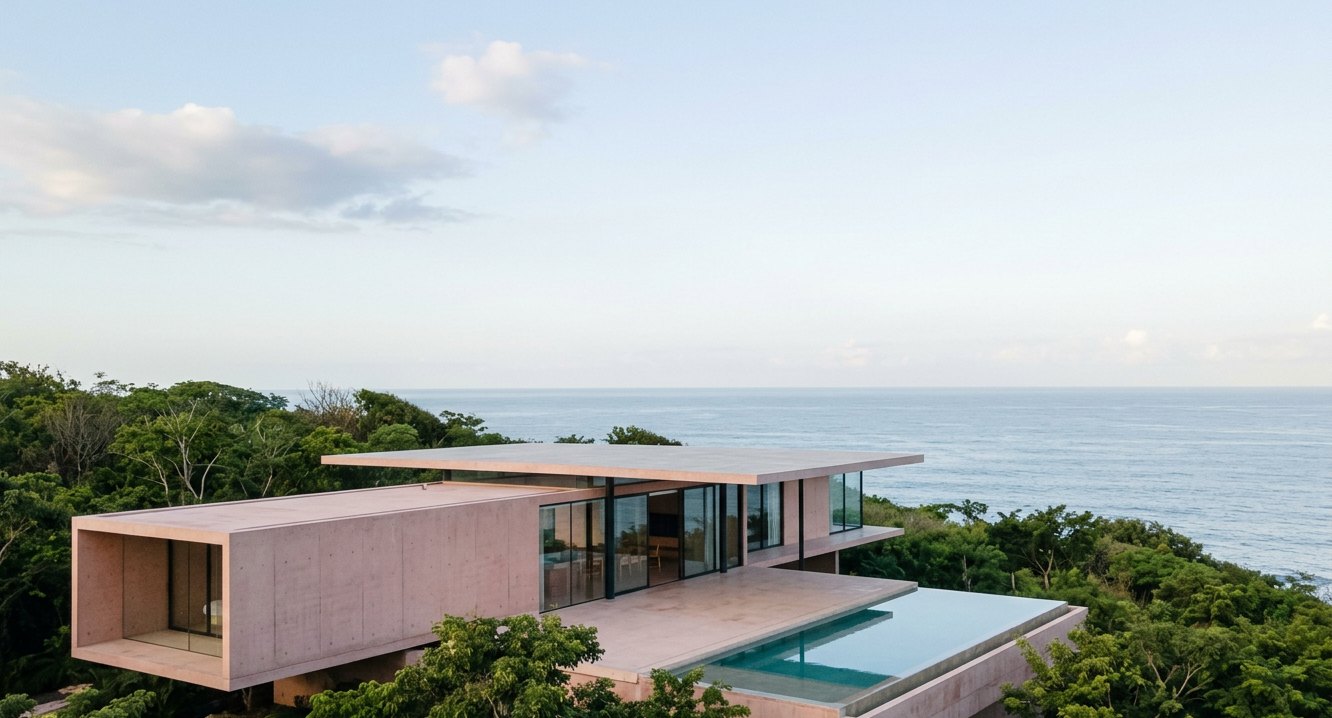 Hero Slides
 Develop
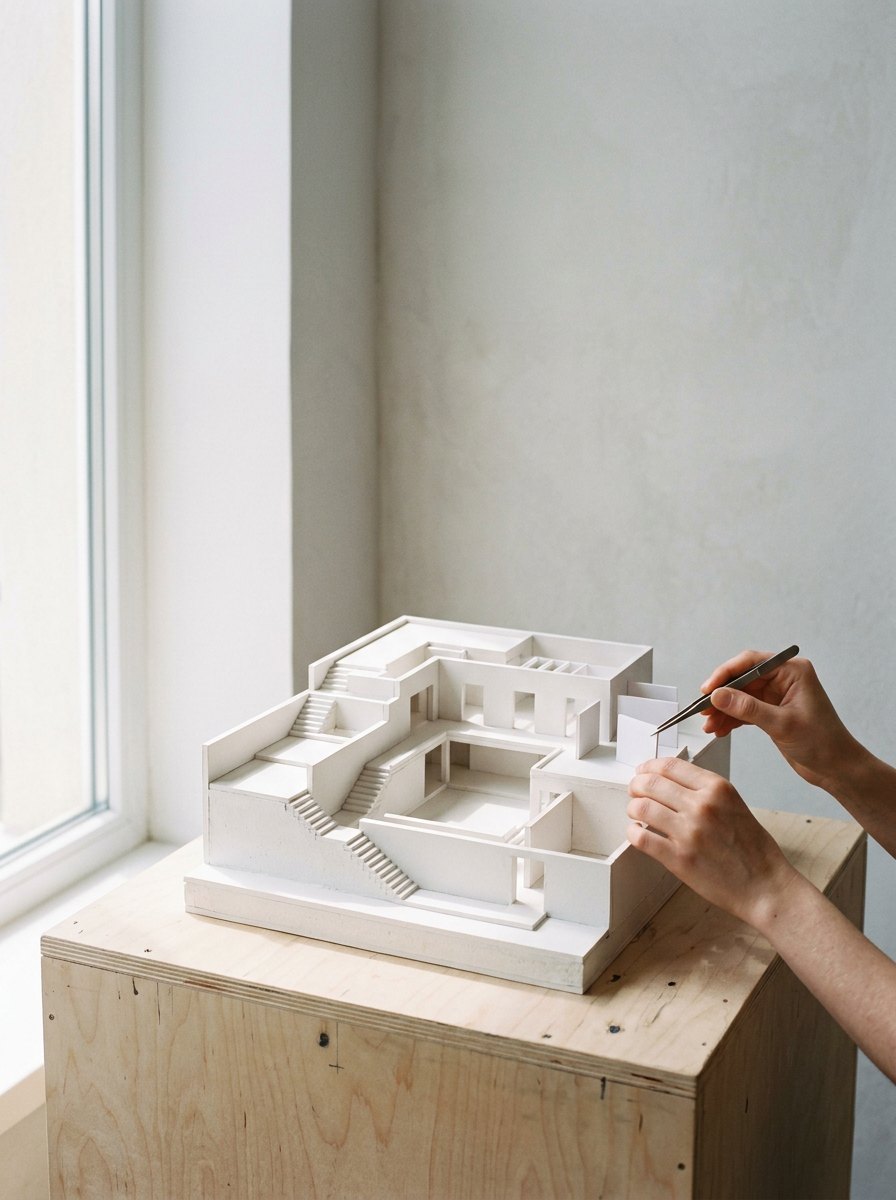 Stages
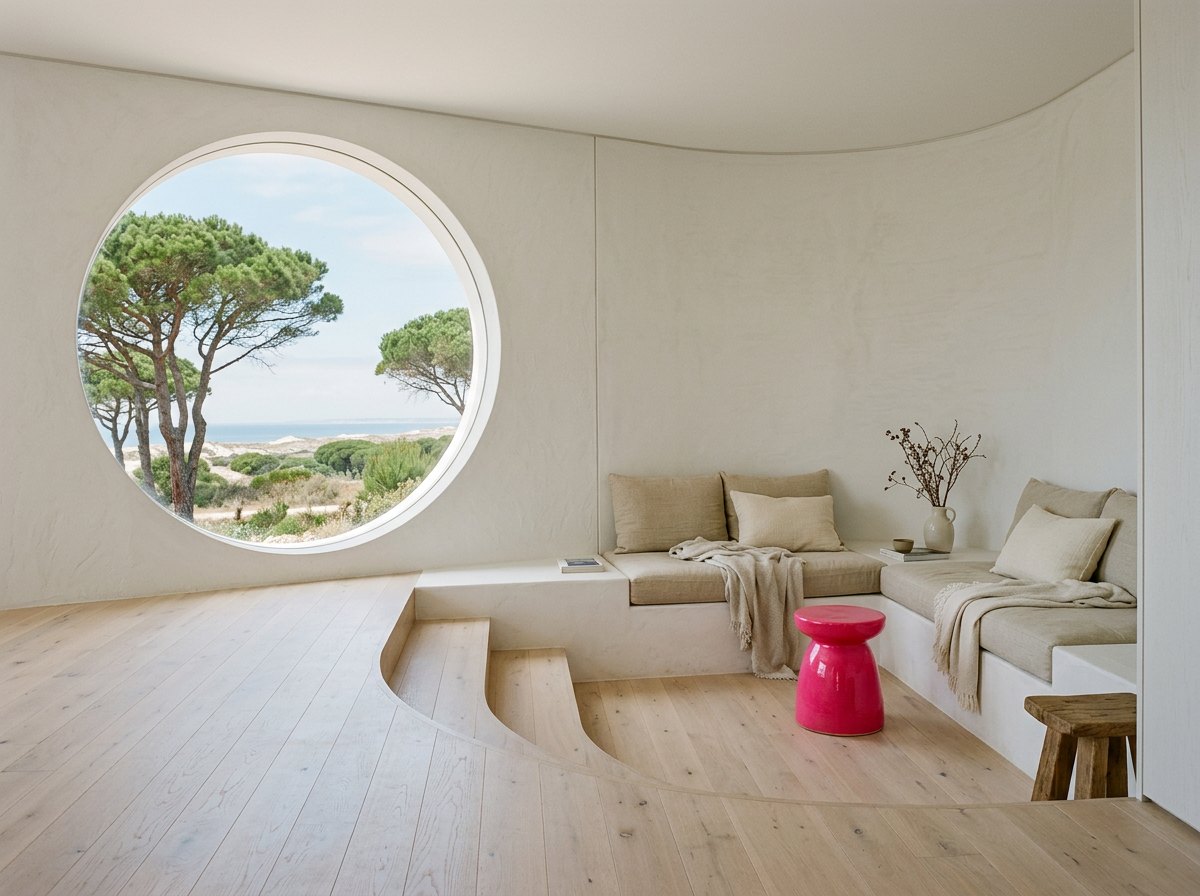 Window Wordmark
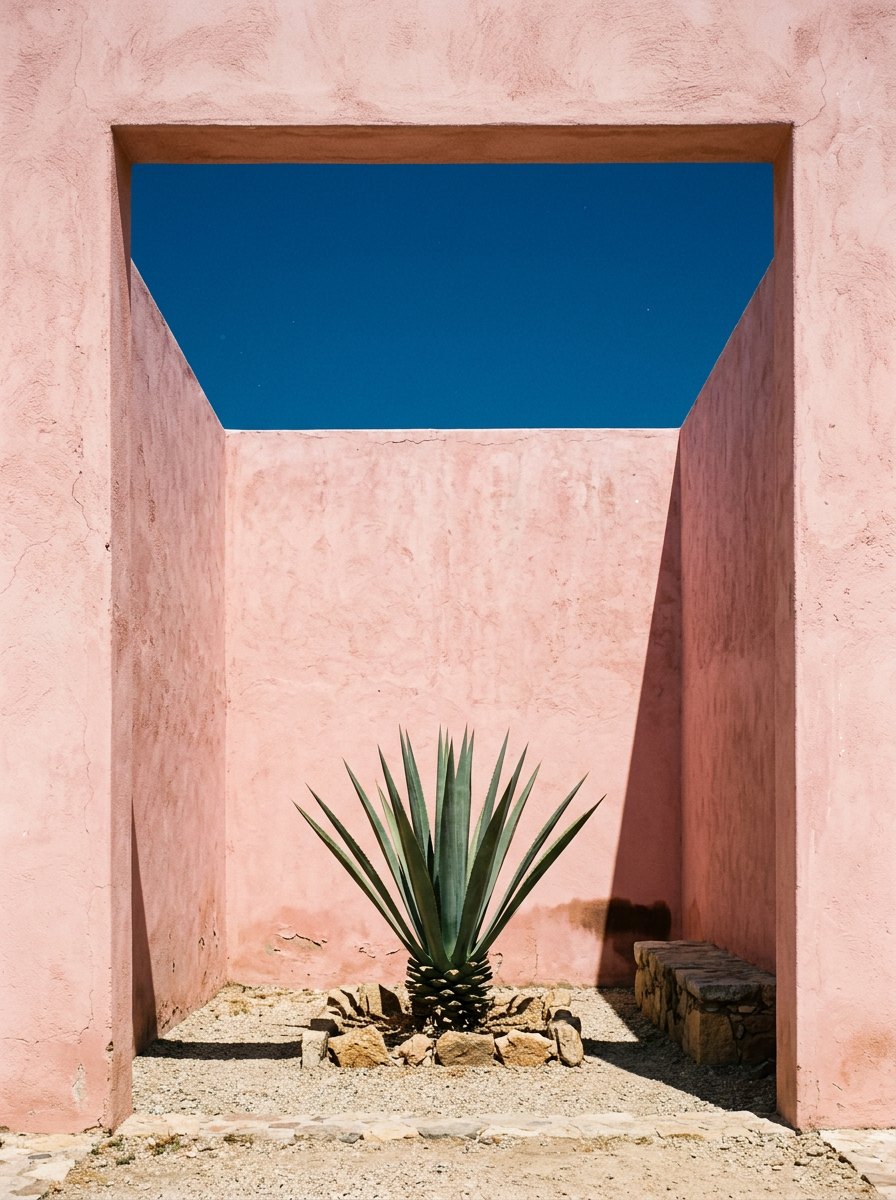 Card Menu
 Rolling Numbers
03Pages
Nine pages, ready.
Home, Work, Project, Studio, Process, Journal, Article, Contact and 404, plus this guide and the style guide.
04Help
Stuck on something?
Write to Florence, who made this template. Replies within two working days.